How to Set Up Your Free Google Business Profile & Get Local Leads
Get found on Google Maps & Google Search in 5 simple steps!
Why Every UK Tradesperson Needs a Google Business Page
Step-by-Step Setup Instructions
Go to Google Business Profile & Sign In
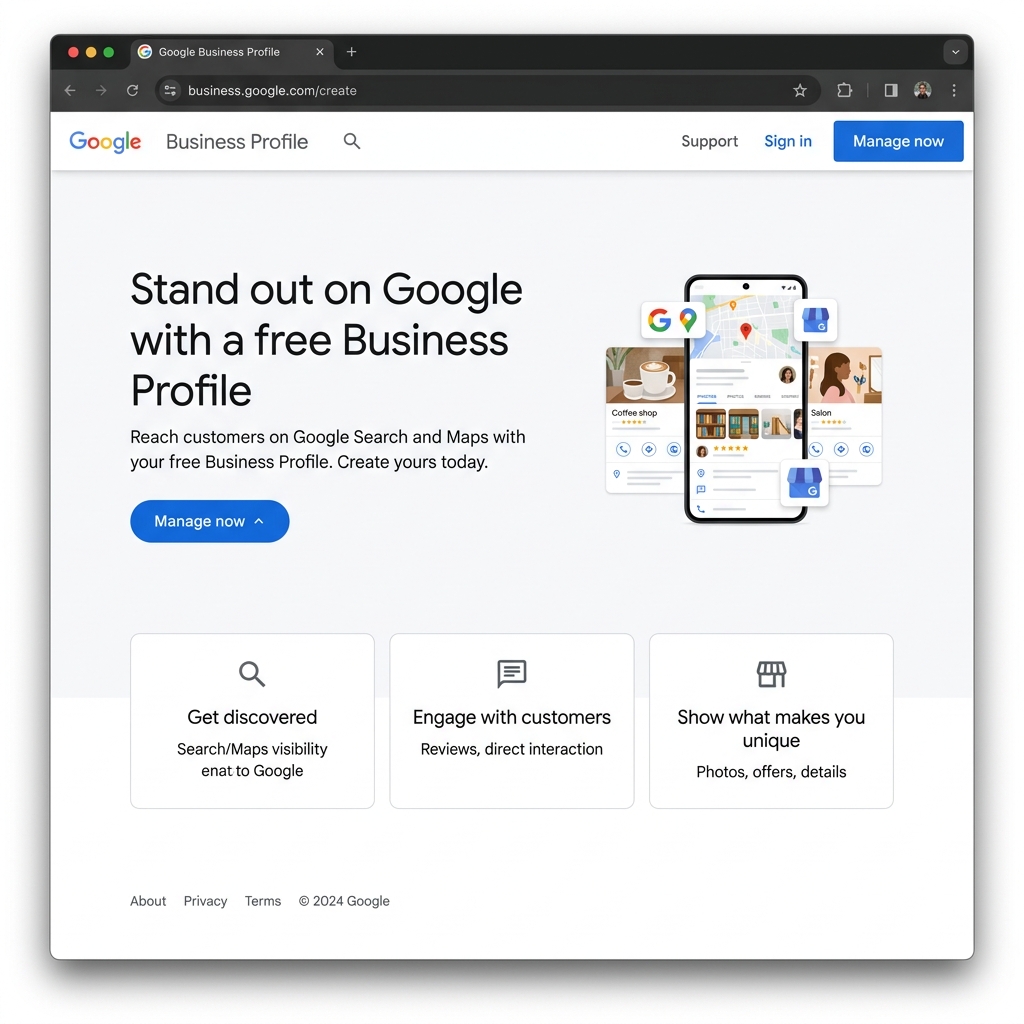
Open business.google.com in your web browser. Click "Sign in" or "Manage/Start now" using your standard Google/Gmail account.
Enter Your Business Name & Trade Category
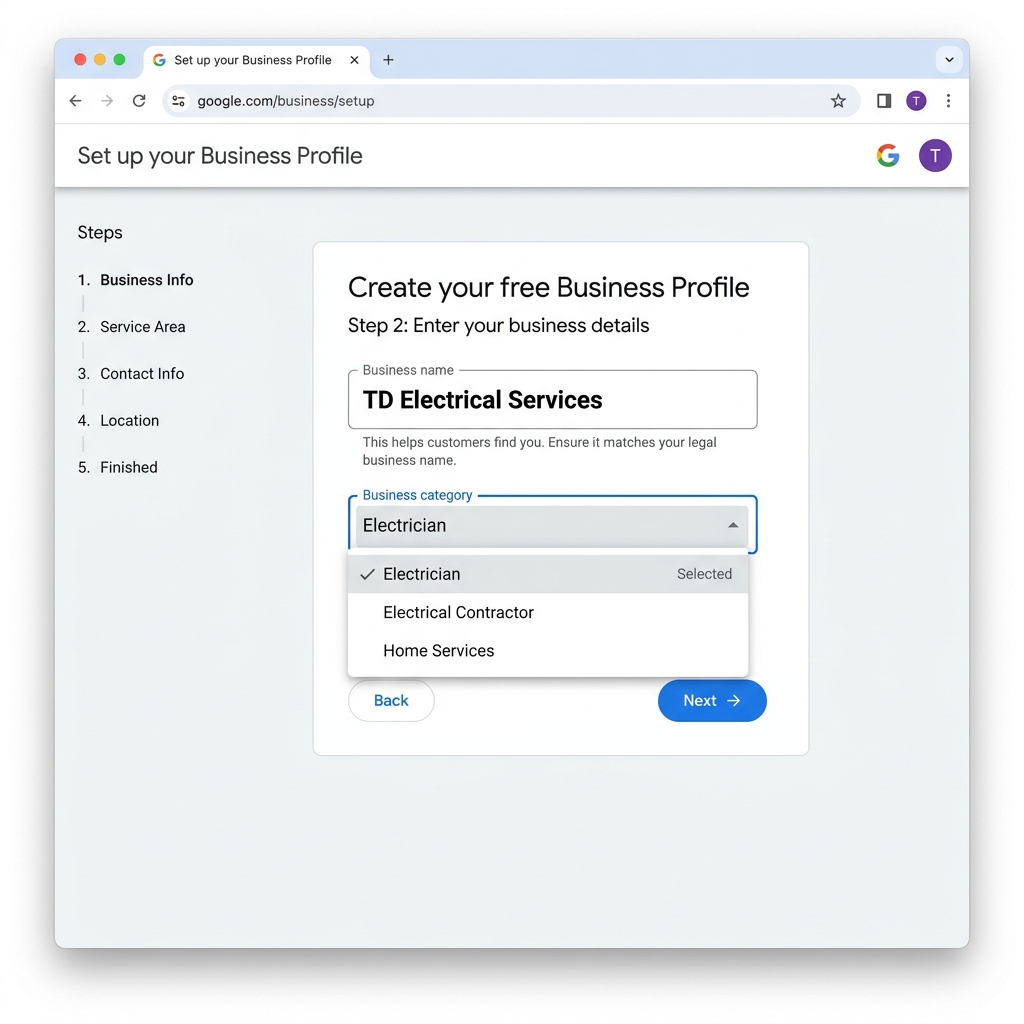
- Type your exact trading name (e.g. T&D Electrical Services).
- Choose your business type as "Service Business".
- Choose your business category (e.g. Electrician, Roofer, Glazier, etc).
Set Your Service Areas
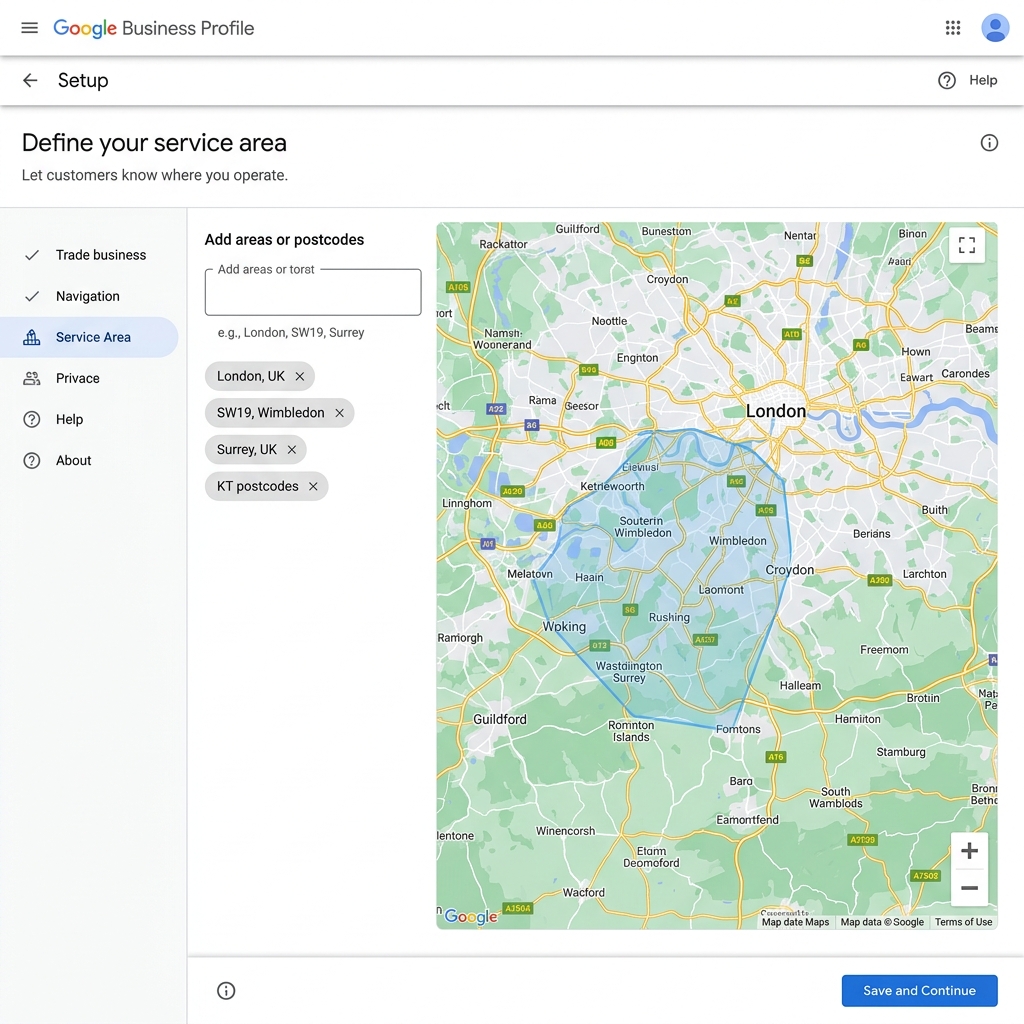
As a tradesperson, enter all the local towns or boroughs you cover (e.g. Wimbledon, Merton, Surrey).
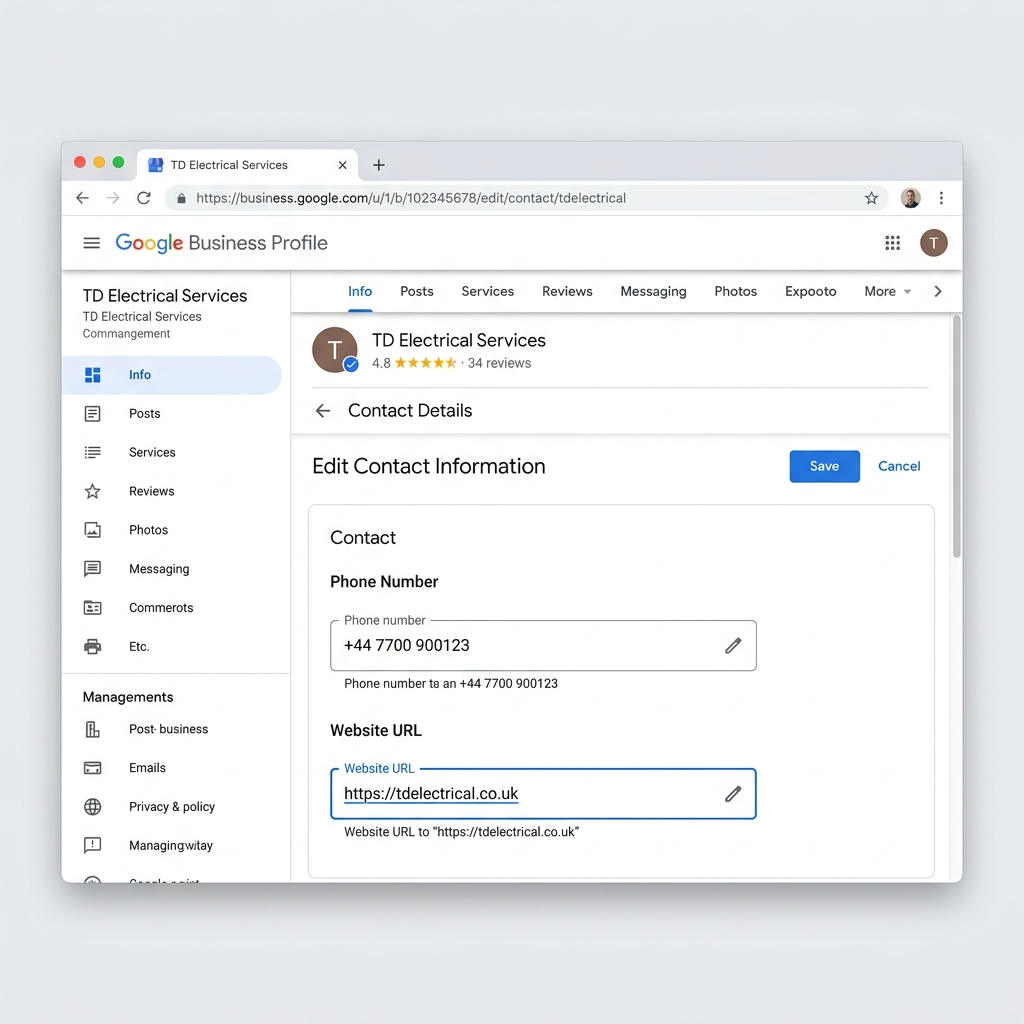
Add Your Phone Number & Website
- Enter your mobile or office landline number.
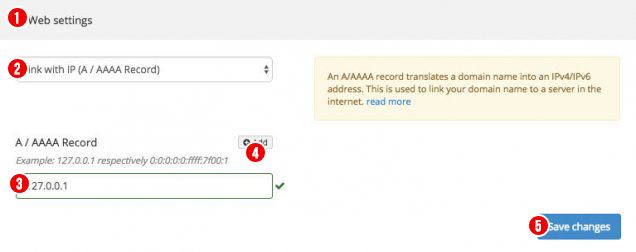
- Enter your official Website link
(e.g.
https://yourdomain.co.uk). This drives Google search traffic straight to your professional website!
Complete Verification & Add Photos
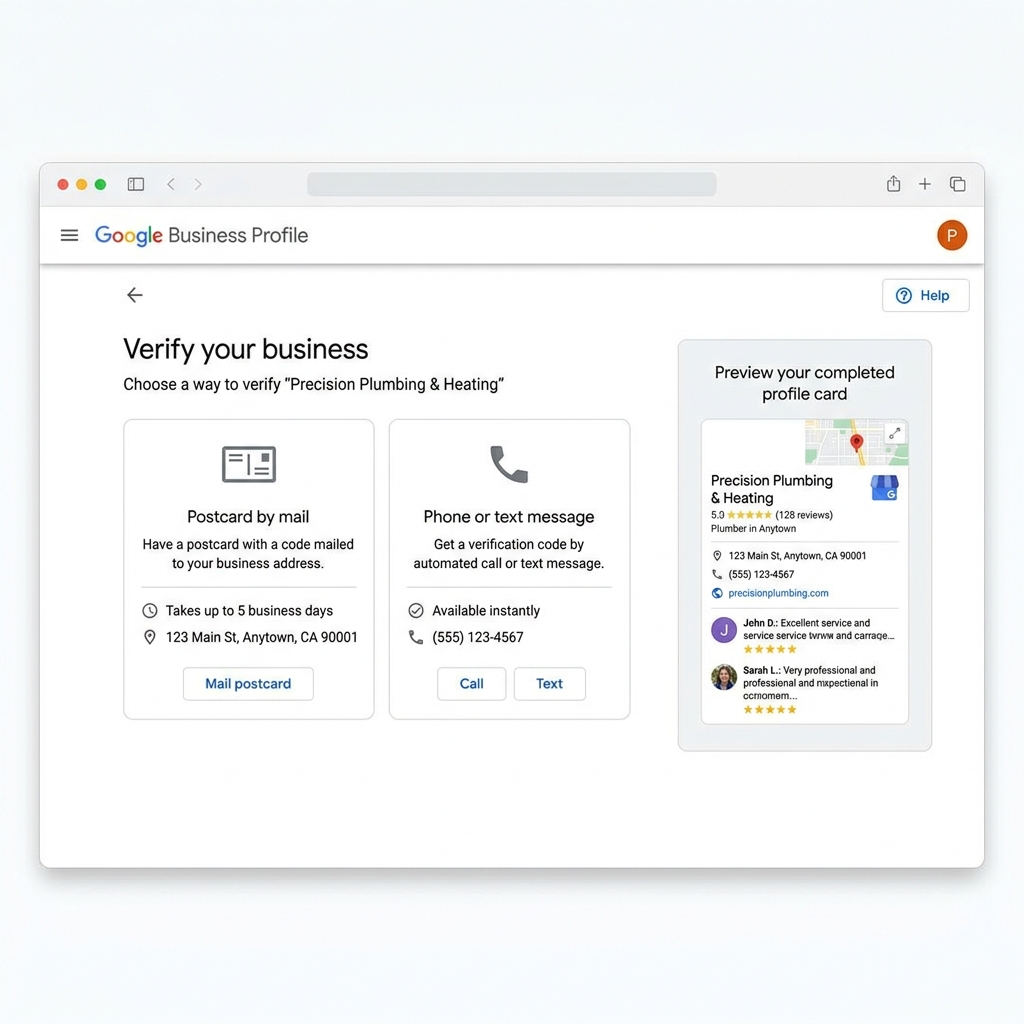
Verification methods are automatically determined by Google and can’t be changed. (It could be video verification, phone, or postcard). Once verified, upload your business logo, van pictures, and photos of recent work!
Webmeup Pro Tips for Local Trades:
- Ask Every Client for a Review: After finishing a job, send a quick WhatsApp to your client with your Google Review link.
- Link to your website: This boosts both your Google Maps ranking and your website SEO.
Need help creating your Google Business Profile?
Webmeup can set up everything for you. WhatsApp us for details of this service.